Define your project once. Estimate, plan, and assess risk in one workspace.
Precision Engine keeps your project at the centre: define it once, then estimate costs, plan the work, and assess risks — with the tools you need, in the same workspace.
Precision Engine
Your project at the center. The right tools to move it forward.
Define your project once. Use the tools you need to see the whole picture.

Start with one project. Add the analyses you need.
Contractors & Renovators
Start from your project and open the Estimate Engine: build an editable estimate, catch likely omissions, and prepare a client-ready document — often before every detail is settled.
Explore Estimate EngineConsultants & Independent Professionals
Start from the same project workspace: clarify the engagement, estimate the effort, and build a schedule you can review with your client.
Explore Schedule EngineProject Managers & Team Leaders
Start from the project you already defined: turn an evolving scope into tasks, milestones, and a risk review your stakeholders can follow.
Explore Risk EngineSee what you can build
Three illustrative examples show three different outcomes — an estimate, a schedule and a risk analysis — each produced from the same kind of project information you already have.
Prepare a renovation estimate
A contractor needs to price a residential renovation while some project details are still being clarified.
Use Estimate Engine to build an initial cost breakdown, review quantities and amounts, and clarify exclusions before preparing a client estimate.
Example output: editable cost breakdown and client estimate
Explore Estimate Engine
Structure a new client engagement
An independent consultant receives a broad request and needs to explain how the work could be organized.
Use Schedule Engine to outline tasks, dependencies, and milestones, then review the proposed sequence with the client.
Example output: task list and preliminary project schedule
Explore Schedule Engine
Clarify risks before moving forward
A project manager is preparing a small-business project with an evolving scope and several unresolved questions.
Use Risk Engine to identify potential risks, review their importance, and prepare mitigation actions to discuss with stakeholders.
Example output: prioritized risks and proposed mitigation actions
Explore Risk Engine
Find a starting point for your bathroom renovation
You want to renovate your bathroom, but you are unsure what work to include or how much to budget.
Use Estimate Engine to turn your initial ideas into an editable cost breakdown, review potential omissions, and prepare questions to discuss with contractors.
Example output: editable cost breakdown for preliminary planning
Explore Estimate Engine
Build an action plan around your client’s priorities
A client has several needs and competing requests. As the project manager, you need to clarify what matters most and where to begin.
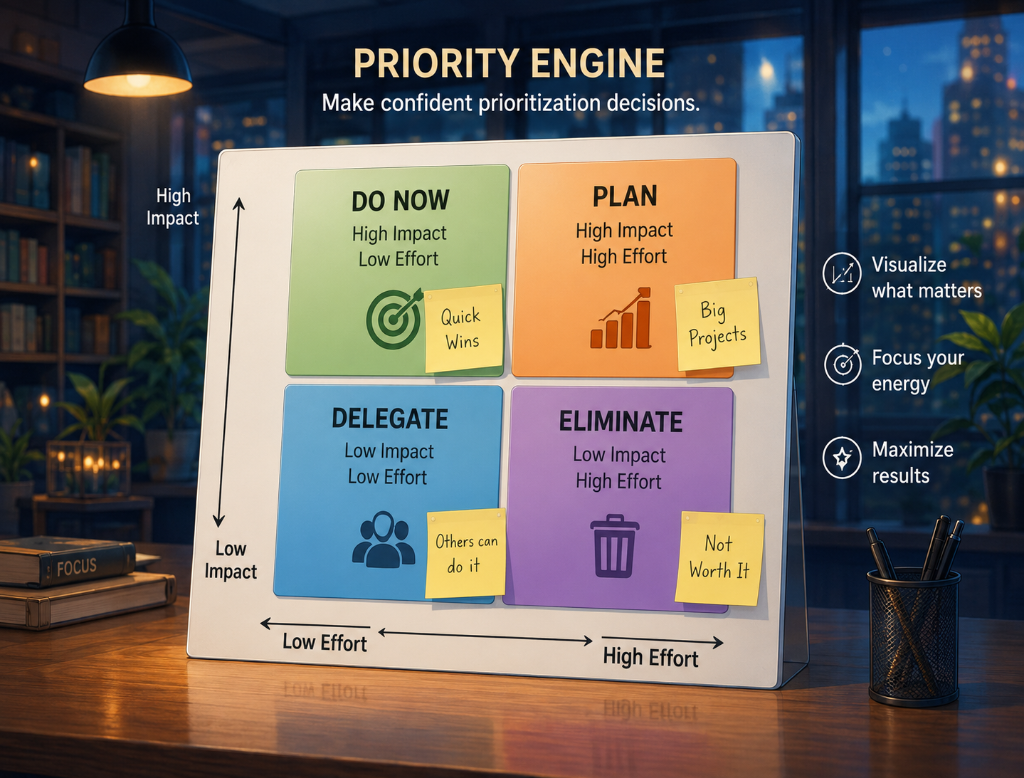
Use Priority Engine to structure the client’s needs, compare priorities, and develop an action plan to review with them.
Example output: prioritized action plan and Eisenhower matrix
Explore Priority Engine
Featured Tools




Start with one project.
Define it once, then use the tools you need to estimate costs, plan the work, and assess risks in the same workspace.
Start your projectFree Productivity Toolkit
Access practical templates, frameworks, checklists, and decision-making tools designed to help busy professionals save time, improve clarity, and achieve better results.
Explore Free Resources